
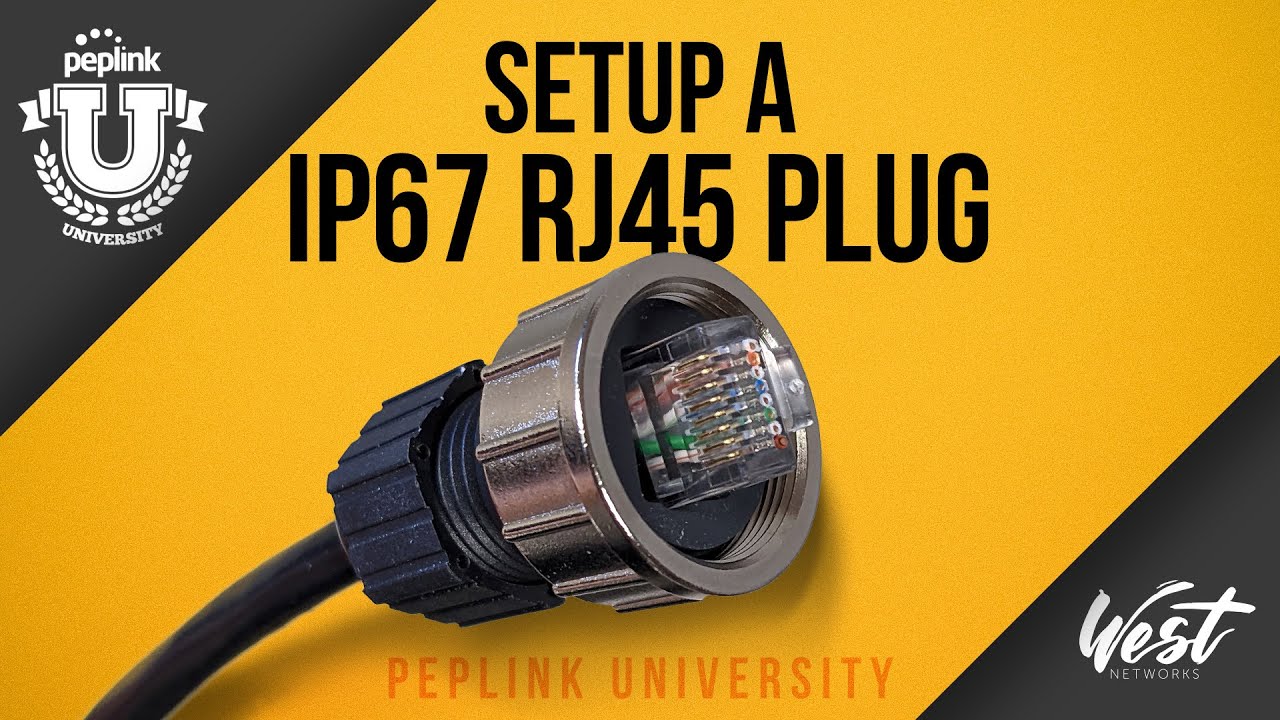
The process of connecting the watertight connector for the HD1 dome involves a specific sequence of steps to ensure a secure and waterproof connection.
Setting Up the IP67 RJ45 Plug for the Peplink HD1 and HD2 Dome
Peter from West Networks gives a quick demonstration of setting up the IP67 RJ45 plug for the Peplink HD1 and HD2 Dome.
Steps:
- Pass the Un-crimped Wire through all 4 pieces of the Plug (Base, Silver Nut, Grey Seal, Black Cap)
- Crimp Wire
- Slide Silver Nut over Base
- Insert Grey Seal piece into Base (This seals the gap between the wire and base)
- Gently screw Black end cap over Base (do not fully tighten)
- Slide Crimped Wire end fully into the Base, align Crimped wire with the notch in the Base
- Tighten Black Cap until the Grey Seal is visible.
Related
Comments are closed.
Originally presented on Peplink University with Professor P. Now part of the Connectivity 101 library.
Leave a Reply